The 5 Best AV To HDMI Converters
Updated by

Our pick for VCRs and retro consoles is the ClearClick AV2HDMI 3.0. Five converters for composite, S-Video and component, compared using makers' specs. When users buy our independently chosen editorial choices, we may earn commissions to help fund the Wiki.
Each of these boxes takes the analog video from a VCR, camcorder or older game console and turns it into an HDMI picture a modern TV can show. They differ in which plugs they accept (composite, S-Video or component), whether you can fix a washed-out or stretched picture, and whether they can also record to a computer.
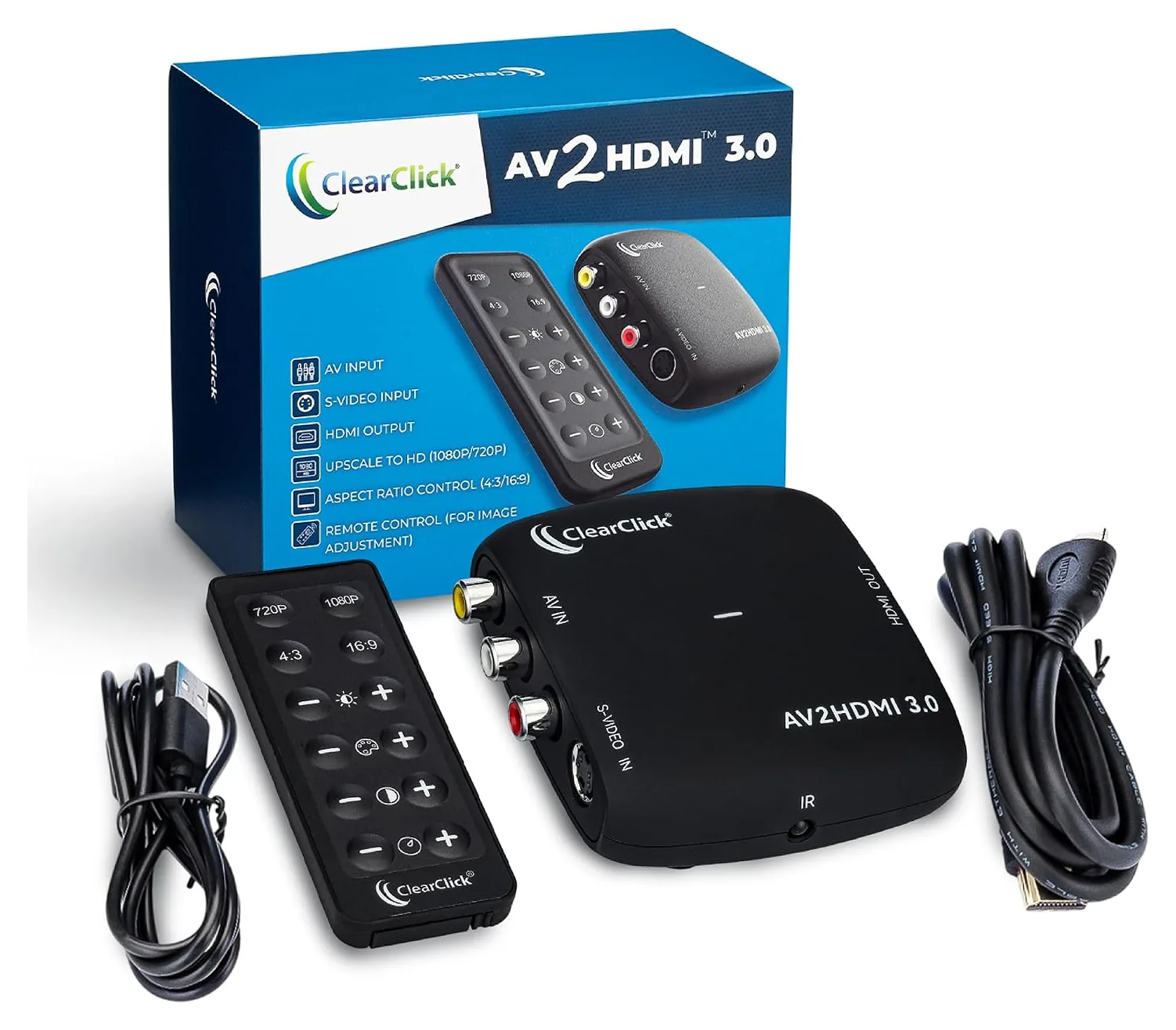
1. ClearClick AV2HDMI 3.0
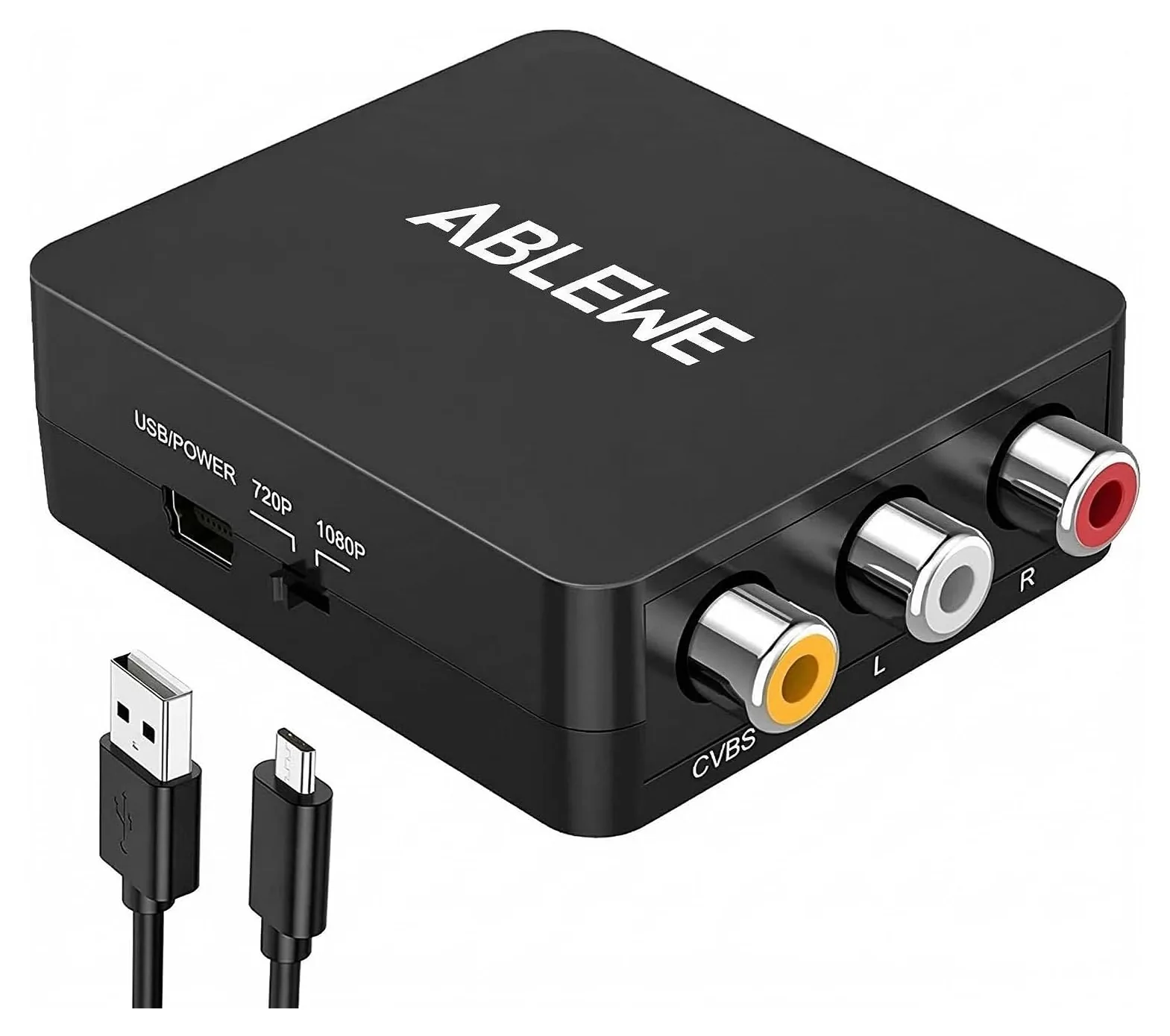
2. Ablewe AV2-12HD
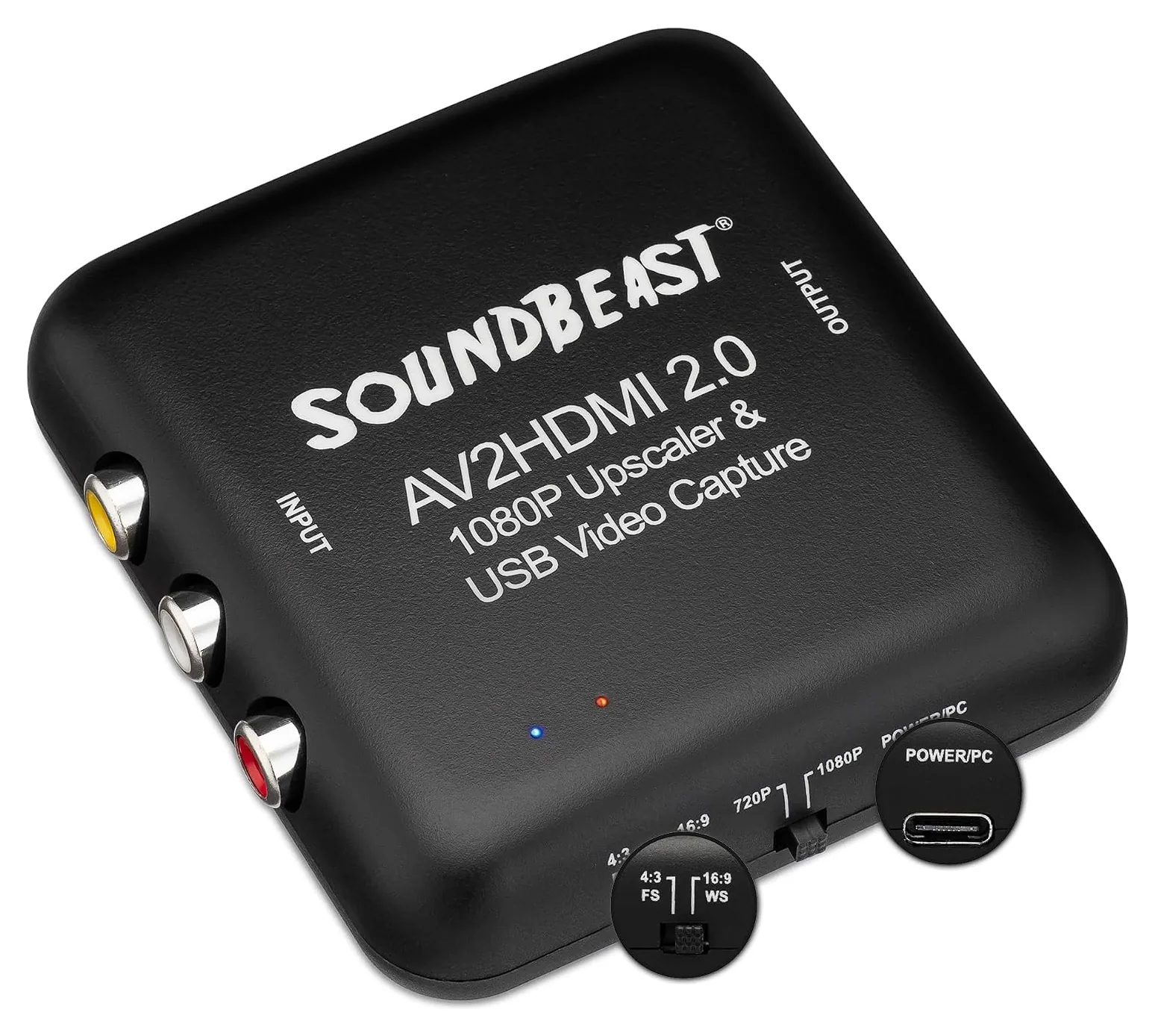
3. SoundBeast AV2HDMI 2.0
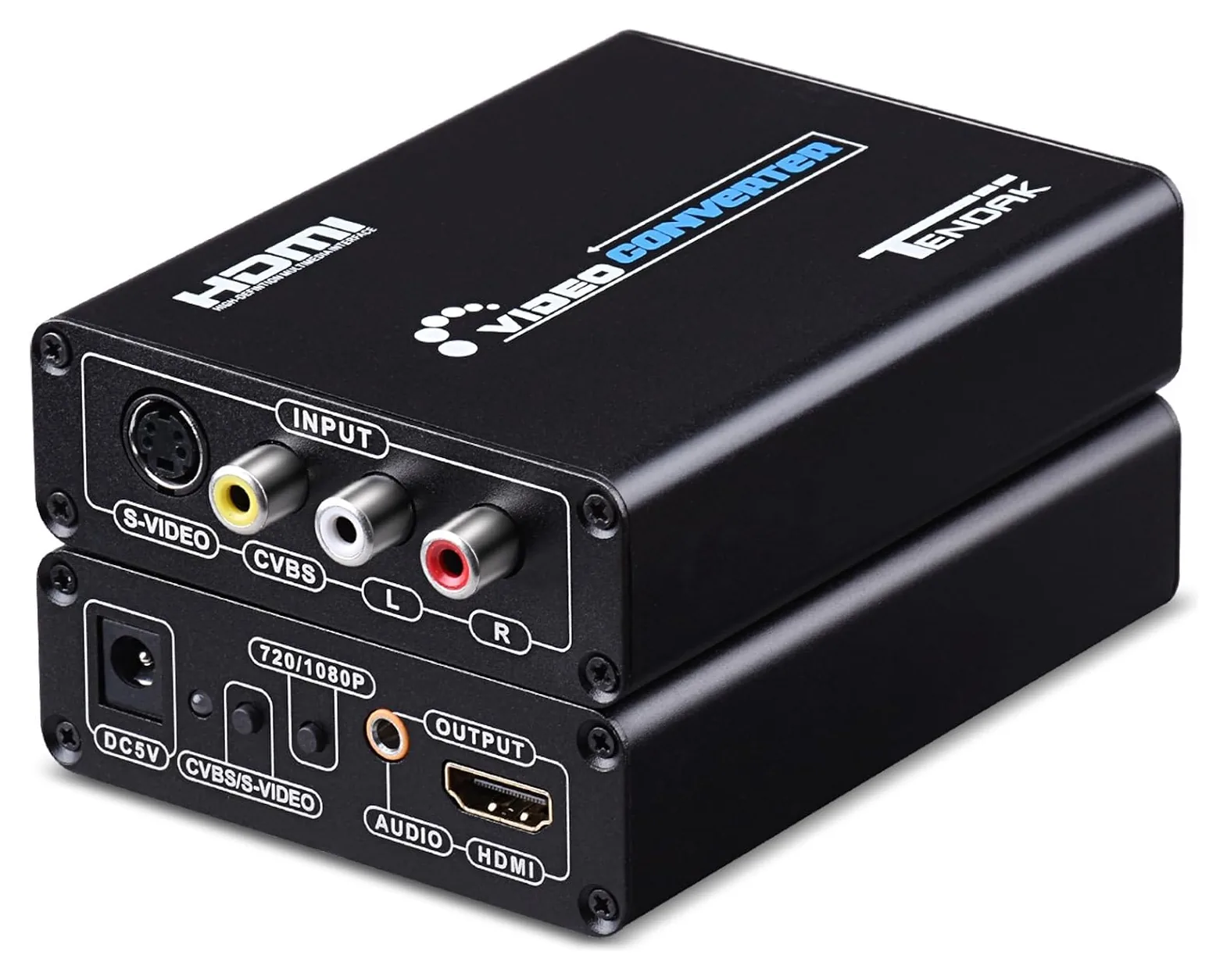
4. Tendak AV-069
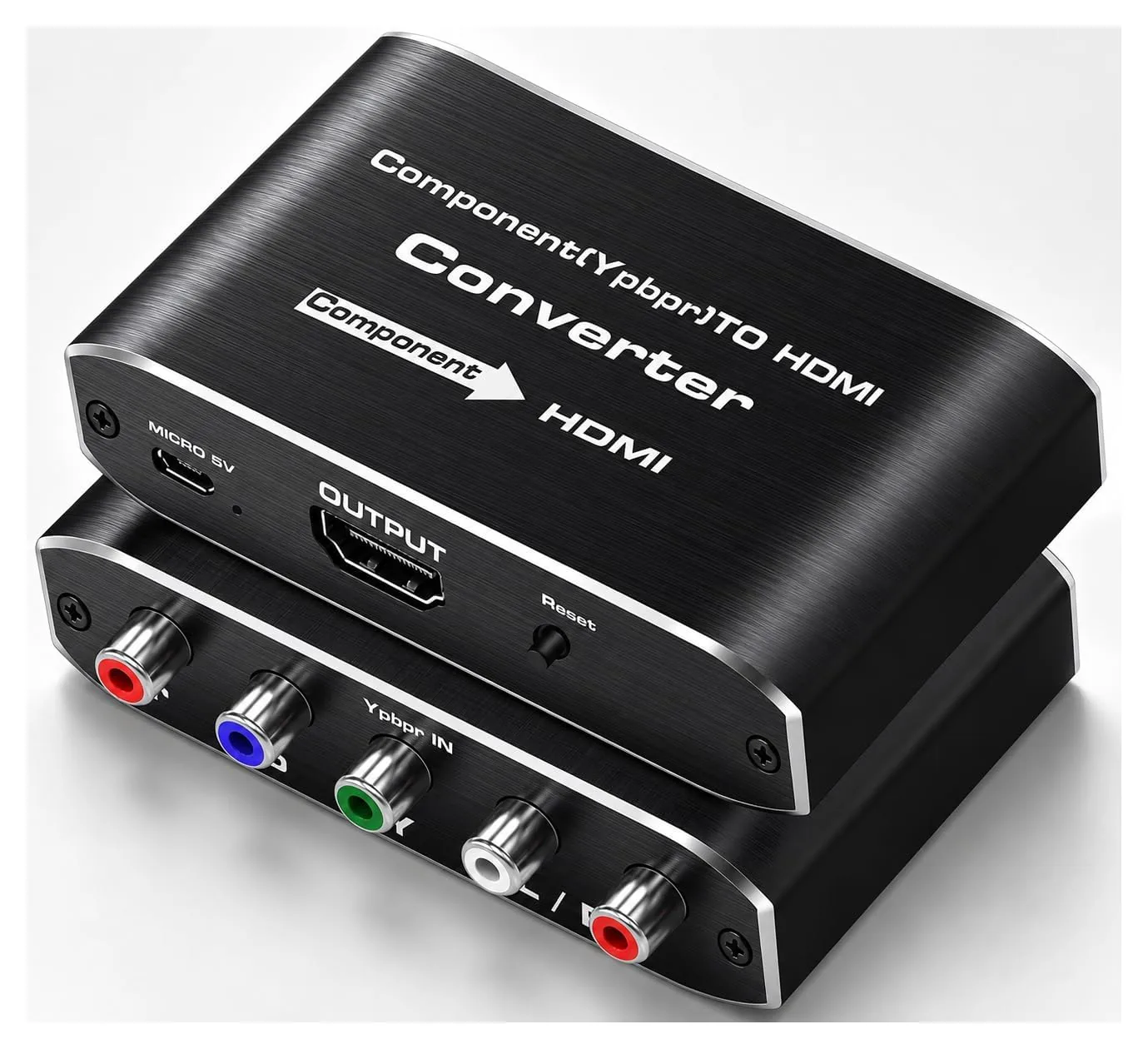
5. Koopman JP-HV-0077
Editor's Notes
October 13, 2026, by Ezvid Wiki Admin:
This list hadn't been updated since 2020, and four of its converters can no longer be bought: the E-SDS High Definition, the Udigital Converter, the E-SDS BNC and the Easycel Component. We also dropped the Wenter Scaler and the RuiPuo Composite, which are near twins of the Ablewe box with too many reports of units falling apart, and the LVY RCA, which too many owners said didn't work at all.
The new ClearClick AV2HDMI 3.0 takes S-Video and lets you fix a dull picture from the remote. The SoundBeast AV2HDMI 2.0 is here for anyone who wants to save tapes on a computer, not just watch them. The Ablewe AV2-12HD and the Tendak AV-069 stay, and so does the Koopman JP-HV-0077 for component consoles and DVD players.
Specs now come from the makers' own pages and manuals where they exist, and every pick lists its real downsides. For serious retro gaming, see the RetroTINK in special honors.
November 03, 2020:
As I mentioned in my previous update of this list, analog video is old signal technology, so this market is fairly static, and there won’t be any revolutionary change or improvement in quality to the converters you find here today versus those you would have found a few years ago, though they may continue to shrink in size, as we’ve seen over the last few years – who knows. However, while they all have the same function, quality can obviously vary between converters, and even the manufacturing quality of a single model can change drastically between two time periods.
Updates to this list: Thus, it’s imperative to make updates as time goes on, and I’ve replaced older models and those that I felt were beginning to flag in quality. Though they do build most with of these with that same compact, square shape that you see on models like the Ablewe Mini, all models are all fairly similar in function and rendering quality, and so I wanted to introduce variety through form instead.
The RCA ports on the RuiPuo Composite, for instance, are detached from the body of the converter – which you won’t find on any of the other models – or, for those who want the ‘feel’ of something more substantial, a slightly bulkier model like the Udigital Converter or E-SDS High Definition may suffice. Another interesting variation that I’ve seen crop up on the market recently are models like the LVY RCA, which has two input channels, for those who may require running multiple devices.
Less Commonly Used AV inputs: While in the past, I’ve let the market determine the options in this list by virtue of which AV(Audio-Video) input type is most commonly sought by consumers – which has always been RCA – the truth is that there are many types AV inputs, and, though converters using these types of inputs are far less commonly sought, I thought I would round the list off by representing some of these options.
Firstly, while it’s quite hard to find an S-video-only-to-HDMI converter, you can often find S-video inputs right next to the RCA inputs on some models like Udigital Converter and Tendak CVBS.
Another common AV input is component video, also known as YPbPr, because of its connectors, which was developed after RCA in order to offer high-definition signal quality, so you’ll find YPbPr connectors on many DVD players and 7th-gen consoles like PS3 and Xbox 360, as well as plasma TV’s. I’ve just added two component converters to this list - Easycel Component, Koopman Adapter.
I’ve topped the list off with a high-quality BNC-to-HDMI converter, which deals with BNC inputs like DIN plugs – a far less commonly found AV input, though, many analog surveillance cameras and multiplexers use this.
Do note that none of these converters are reverse-compatible – that is, they can’t be used in the opposite direction, and convert a digital HDMI signal into an analog one – though, we do have separate lists for both HDMI-to-component converters, as well as HDMI-to-composite converters.
November 22, 2019:
While the best products in this converter category are relatively indistinguishable in terms of the results they provide as the whole market has pretty much reached a technological efficiency ceiling of virtually lossless transmission and it would be hard for models in the future to make any overall significant improvements to the market as a whole (the models from 2014 are as good as those released today), I still like to update old models with newer ones for the sake of renewal.
This is the case with the Enko Products (released in 2014), as well as those that are struggling with commonly-reported manufacturing-related quality issues like the Kawany Composite (perhaps as a result of the producer becoming sloppy/cutting back on costs) and I've replaced these old models with the RuiPuo Composite as well as the Wenter Scaler (both of which are newer, and have very clear, distortion-free transmission as well as zero audio-to-video lag).
The Kawany Composite was commonly reported to be struggling with lag, even though we may not be able to use the products for enough time to experience these issues ourselves. Since products are relatively similar here, I didn’t want to saturate this list for the sake of saturation and tried to avoid including products that were too similar, or I could have easily included more products. The Kawany Composite, for instance, was virtually a carbon-copy of the Gana Mini.
You will however find different issues related to different models and batch-testing products can very clearly highlight chronic issues (across devices of the same model) related to durability or performance. Amongst these different models, you may also observe qualitative differences with the naked eye, though we maintain that we only include products that have very good, sharp picture quality related to lossless transmission between AV and HDMI.
Special Honors
RetroTINK-2X Pro This line doubler is built for retro consoles. Instead of treating their 240p video as interlaced, it doubles it to a clean 480p, with a delay its manual puts under 100 microseconds, and it takes component, S-Video or composite. For VHS and other interlaced video, its maker points buyers to its pricier 5X Pro and 4K models. retrotink.com
Which Converter Fits Your Old Device?
If your device has S-Video, choose a converter that takes it.
Start with the plugs on the back of the device you want to connect, because each converter accepts only certain signals.
Composite is the single yellow RCA plug, with red and white plugs for sound. Almost every VCR, DVD player, camcorder and game console from the 1980s through the 2000s has it, and every converter on this list except the Koopman JP-HV-0077 accepts it.
S-Video is a small round plug with four pins. It carries brightness and color on separate wires, so it looks sharper than composite. Many camcorders and S-VHS decks have it, and the original North American Super Nintendo and the Nintendo 64 can output it with the right cable. If your device has S-Video, choose a converter that takes it.
Component uses three plugs, green, blue and red, and carries the best analog picture. The PlayStation 2, Wii, original Xbox, Xbox 360 and many DVD players can output it with the right cable, and it needs a component converter.
SCART (common in Europe) and BNC (used by older security cameras) need their own converters, and none of the picks here take them.
These boxes only work in one direction. To connect a newer HDMI device to an old TV, you need an HDMI-to-composite converter or an HDMI-to-component converter instead.
Will It Make The Picture Better?
Not really. A converter makes an old picture fit a new screen, but it can't add detail that was never recorded. A VHS tape holds far less detail than a DVD, so it will look soft at any output setting. A good converter simply avoids making things worse.
Most of these converters scale the picture up to 720p or 1080p. Choose 4:3 to keep the picture's original shape with black bars at the sides, or 16:9 to fill the screen at the cost of everything looking wider. The ClearClick AV2HDMI 3.0 also adjusts brightness, contrast, color and tint, which helps with faded tapes.
For gaming, two limits matter. Bench tests of inexpensive converters found they add about two frames of delay, roughly 33 to 42 milliseconds, and that they treat the 240p video most consoles from the NES through the original PlayStation use as interlaced 480i, which can add flicker and jagged lines. Casual players may not notice. If timing matters to you, a line doubler such as the RetroTINK in special honors avoids both problems.
If your TV still has a yellow composite input, try it first. Its built-in processing may look about as good as a converter's.
What To Check Before You Buy
Power. These converters need 5 volts, from a USB port or a wall adapter. Most include only a USB cable. A TV's USB port often works, but if the picture cuts out, try a USB wall adapter rated for at least 1 amp.
Cables. Check what's in the box. Most of these converters come without an HDMI cable, and several don't include RCA or S-Video cables either. The Tendak AV-069 is the exception, with a wall adapter and both input cables.
PAL and NTSC. Tapes and consoles from Europe and much of Asia use PAL, while North America uses NTSC. Every pick here accepts both.
Saving tapes. To keep home movies, record them rather than just play them. The SoundBeast AV2HDMI 2.0 captures to a computer at 640 by 480 pixels, which is fine for sharing with family. For archival copies, enthusiasts capture the original interlaced signal with a dedicated capture device instead of recording a converter's HDMI output.
Copy protection. Many rental and store-bought tapes carry Macrovision, which can make the picture pulse or roll on some equipment. Don't expect any converter here to remove it.