The 7 Best HDMI To RCA Composite Converters
Updated by

Our pick for putting a streaming stick on an older TV is the Wonlyus JP-HV-0104. Seven HDMI to composite and S-Video converters, and the copy-protection catch. When users buy our independently chosen editorial picks, we may earn commissions to help fund the Wiki.
Each of these boxes takes the HDMI signal from a streaming stick, game console, computer or DVD player and turns it into the composite or S-Video signal an older TV understands. They differ in which outputs they offer, what comes in the box, how many HDMI devices they accept, and whether owners report streaming sticks working through them.
1. Wonlyus JP-HV-0104
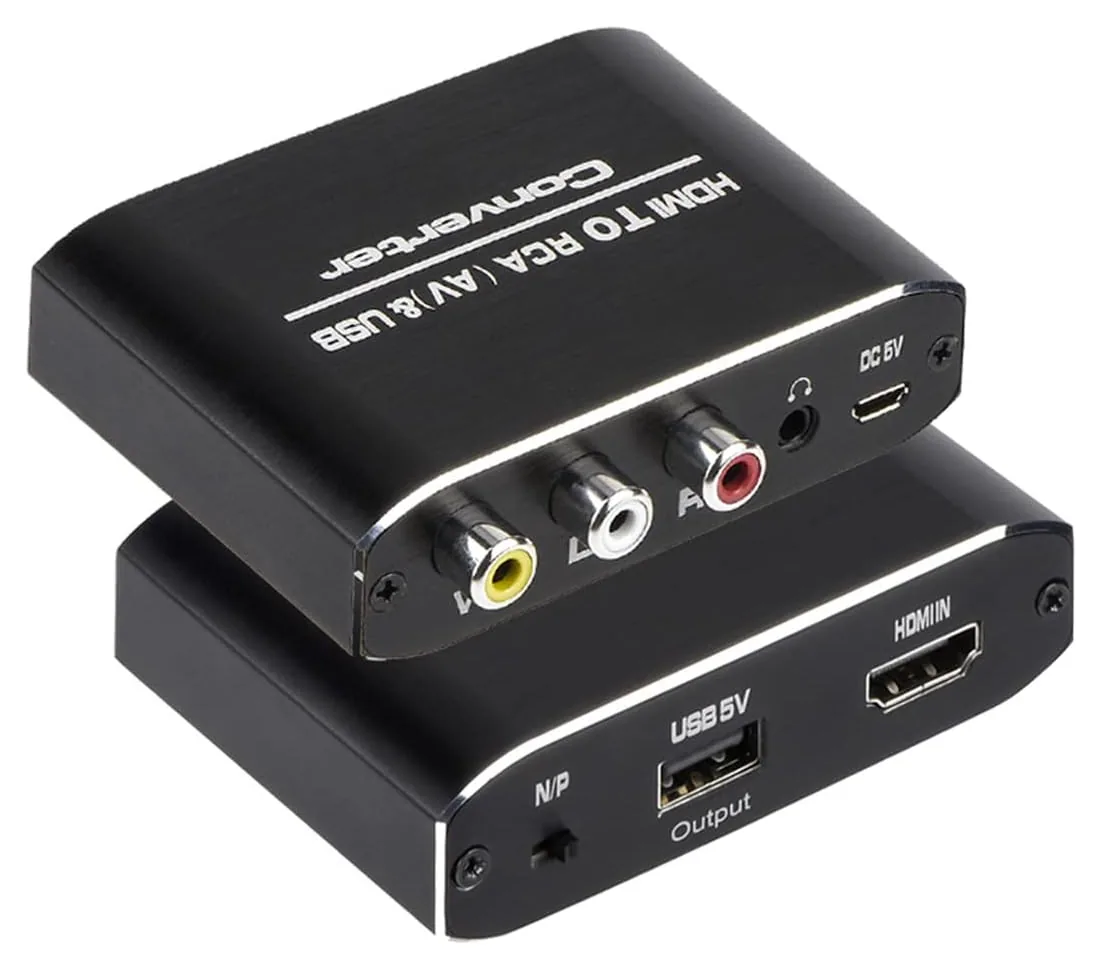
2. TaiHuai 1HDMI-AV
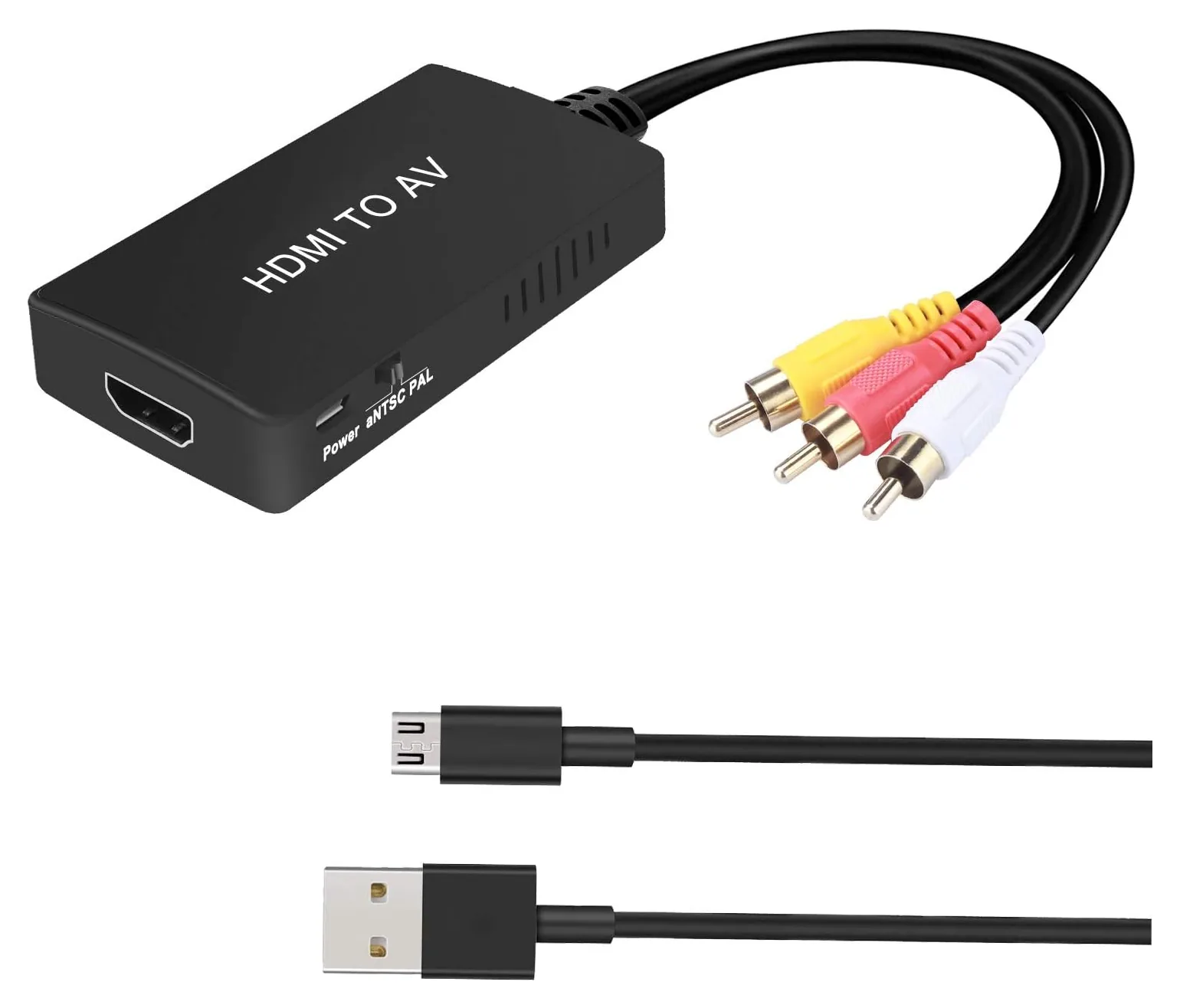
3. ENBUER Converter Cable
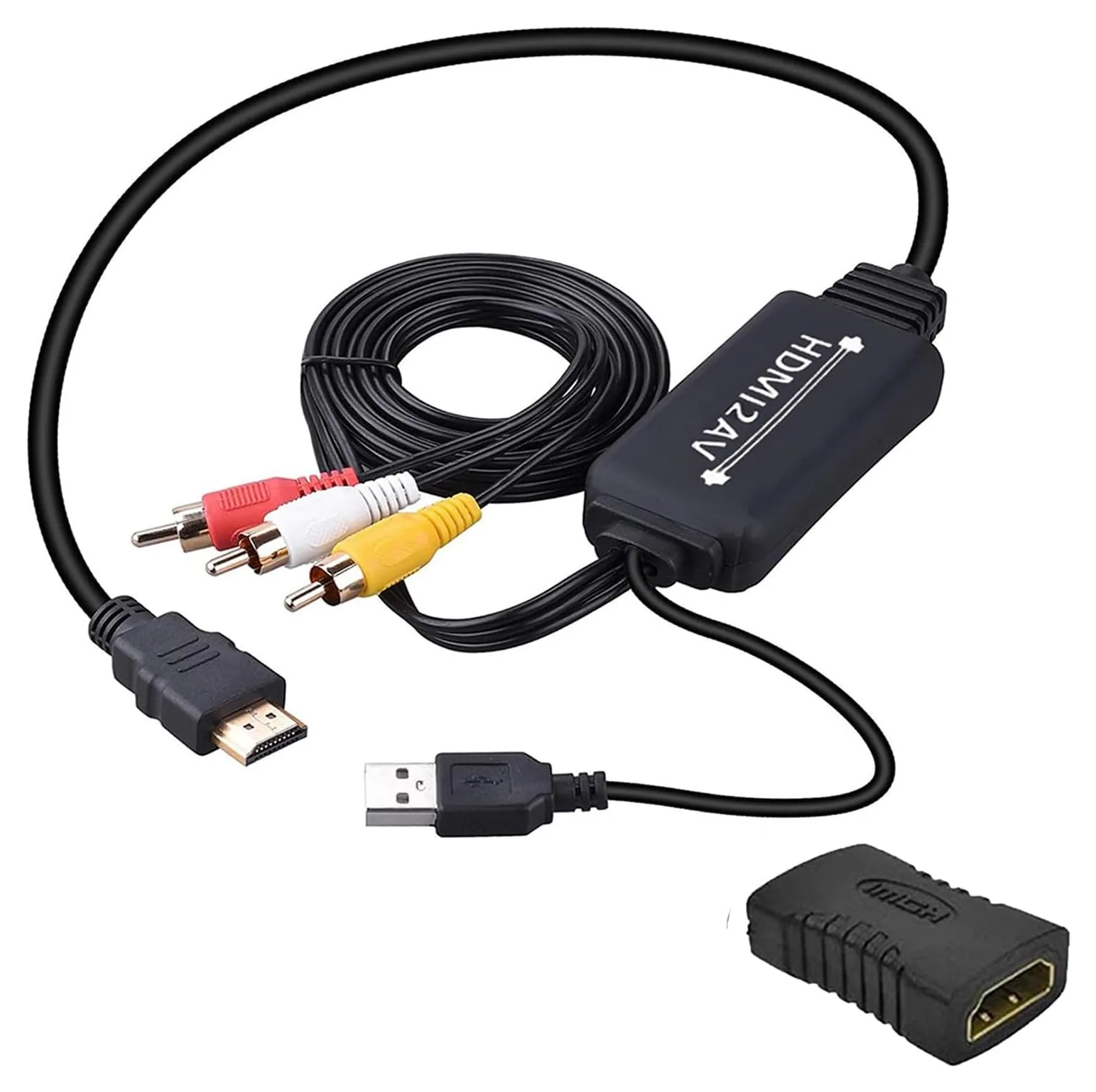
4. PARUIEN PU00002
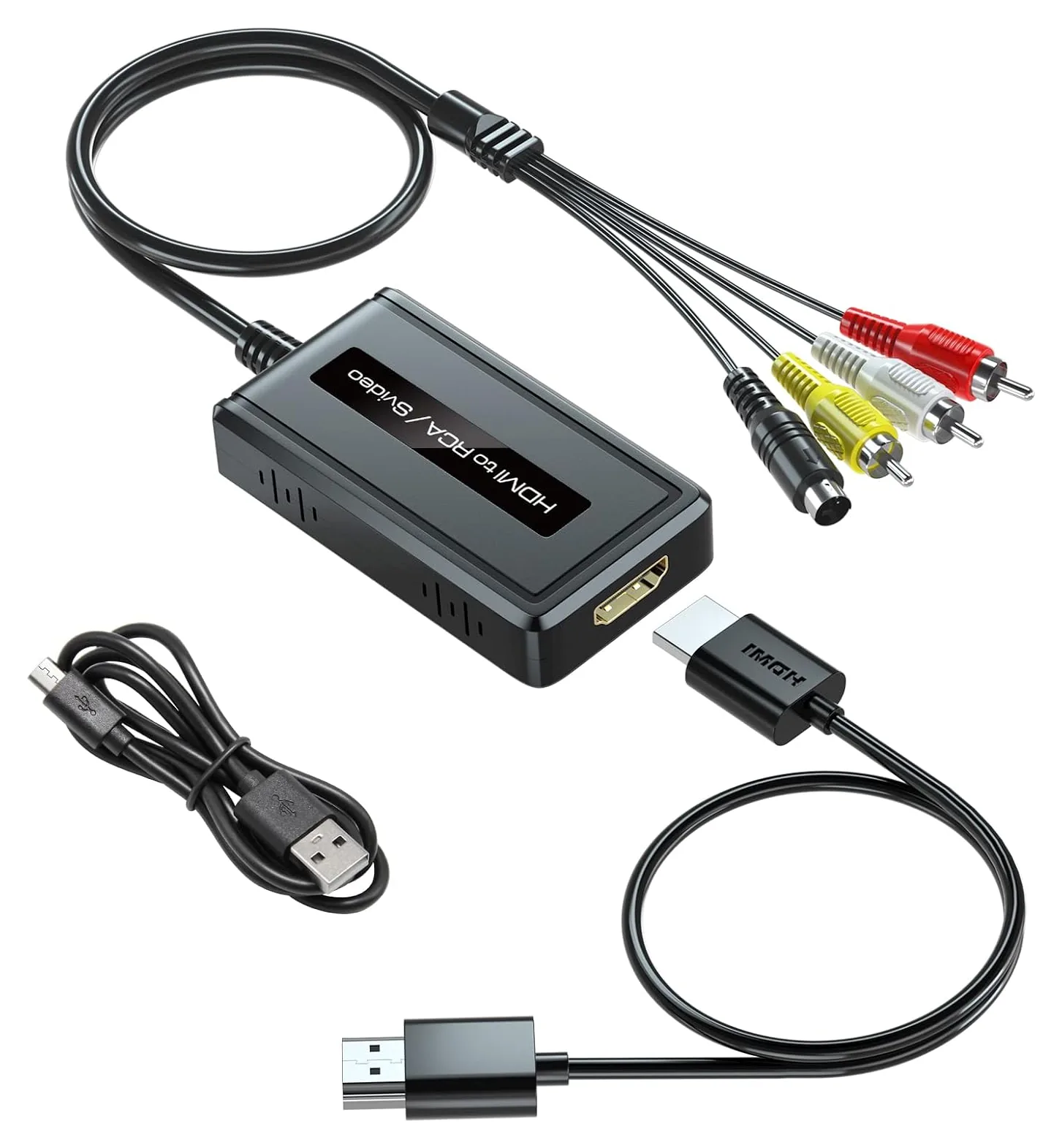
5. ENBUER HD Video Converter
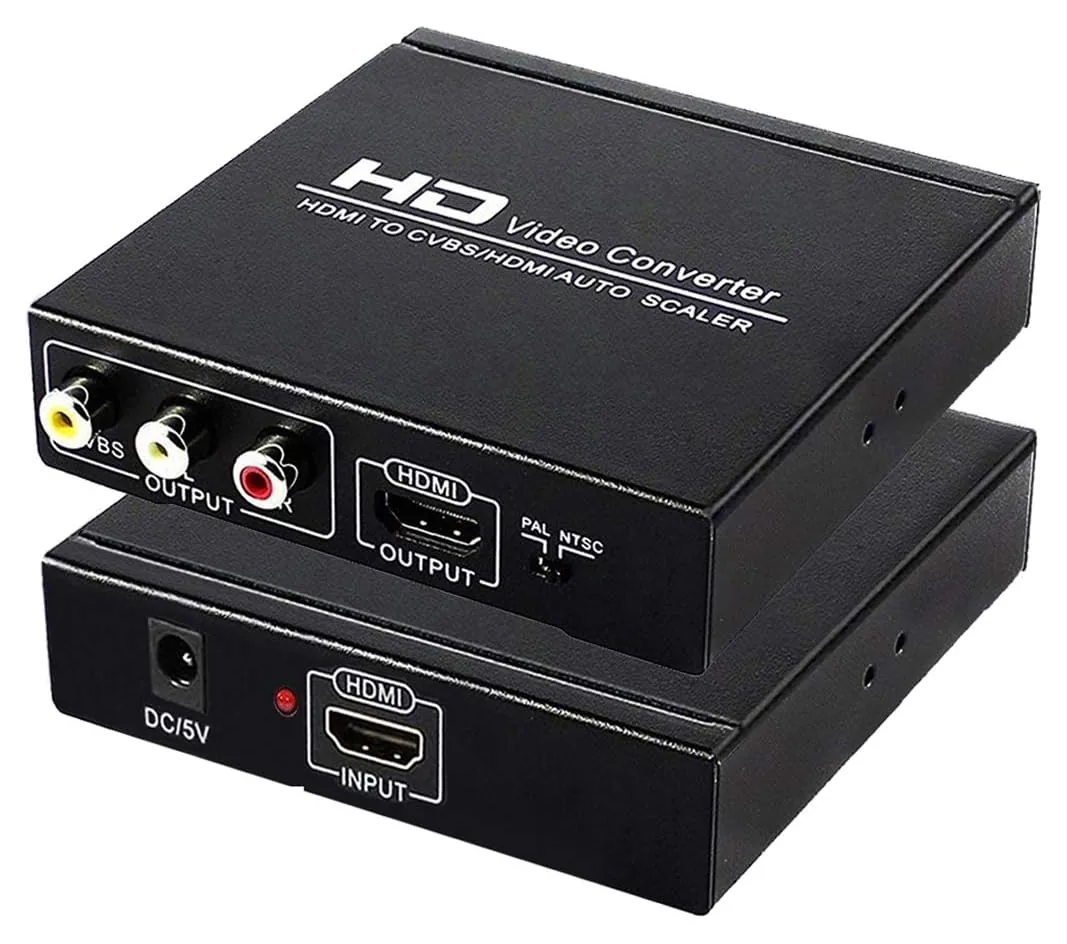
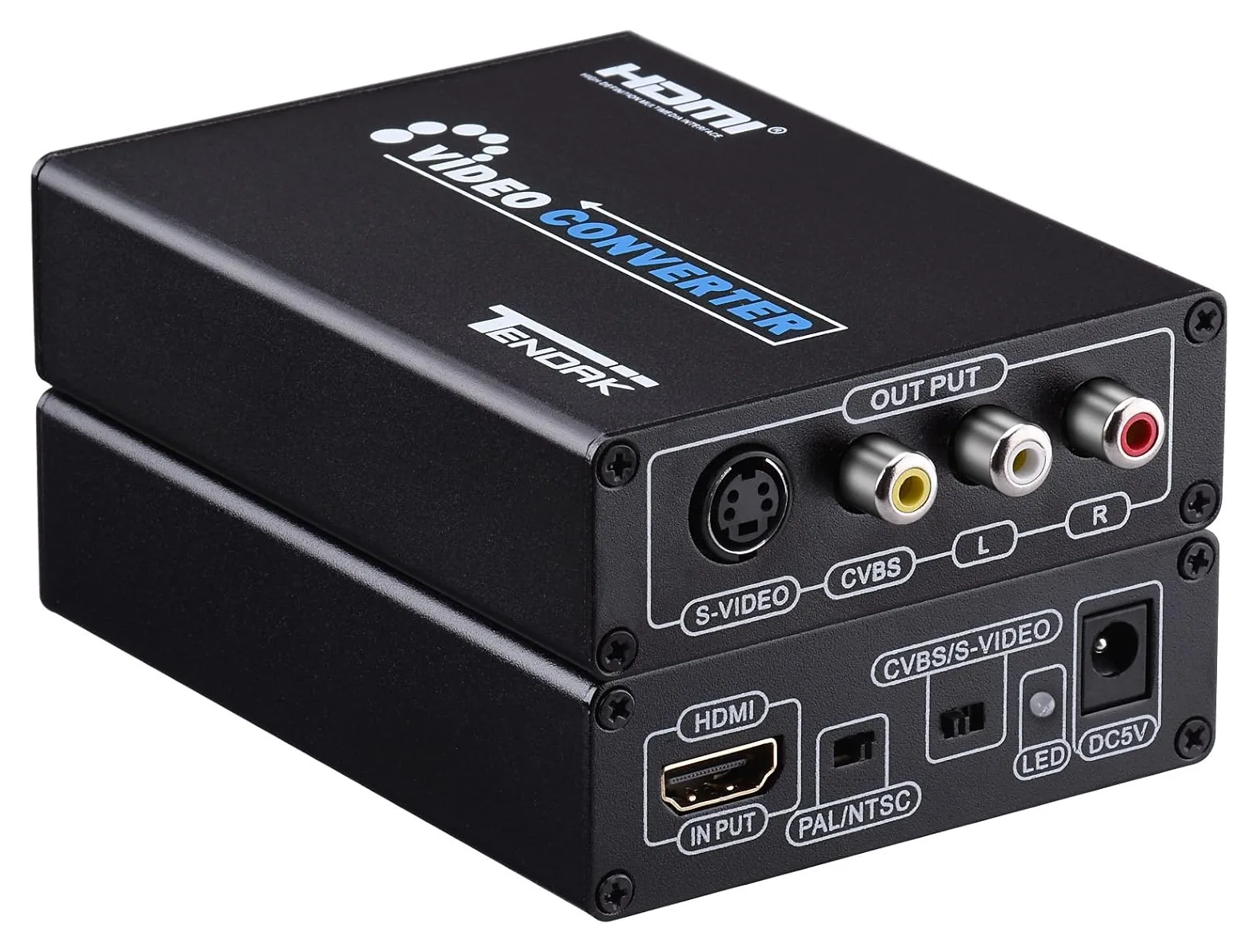
6. Tendak AV-068
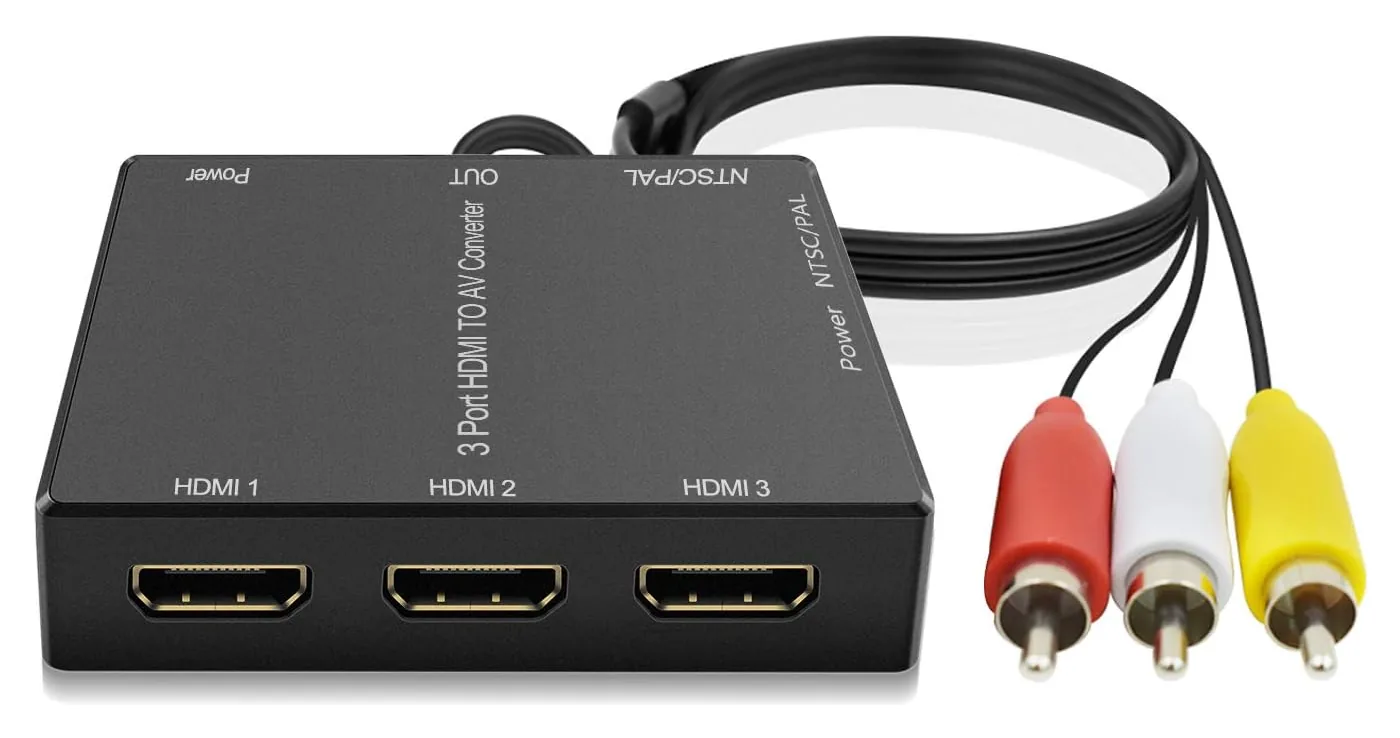
7. Dingsun V18
Editor's Notes
October 14, 2026, by Ezvid Wiki Admin:
This list hadn't changed since 2020, and two of its converters can no longer be bought: the iSimple ISHD01 and the Gana Converter. We also dropped the Wonlyus Cable, because too many owners said it gave a poor picture or stopped working. The ENBUER Converter Cable does the same job with fewer complaints.
The big question with these boxes is whether a streaming stick will play through them. Sticks check for a kind of copy protection called HDCP before they send a picture, and not every converter passes that check. Owners report Roku and Fire TV sticks working with the Wonlyus JP-HV-0104, the TaiHuai 1HDMI-AV and the Dingsun V18. The PARUIEN PU00002 adds S-Video at a low price, the Tendak AV-068 is here for S-Video from computers and game consoles, and the ENBUER HD Video Converter can feed a newer TV and an old one at once.
Few of these brands publish manuals, so we leaned on owner reports and on the documentation for identical hardware sold under other names. Every pick lists its real downsides.
October 23, 2020:
Since composite video has been obsolete for quite some time now, little has changed in the way of HDMI to composite conversion technology. For this reason most of our previous selections are still relevant, however we did make a few changes to ensure that our users can make the best choice for their particular needs.
While we ended up removing the RuiPuo due to unavailability, we replaced it with the Dingsun Adapter, which is a nearly identical device. We felt it important to provide an option that doubled as a switcher, since it's quite common for older televisions to have only one input, and getting up to manually unplug and plug in cables everytime you want to switch between a streaming stick, laptop, or gaming console can get irritating.
We also added the Gana Converter to provide some variety in contrast to models that integrate their own HDMI or RCA connectors. This allows users to use their own cables, whether because they're particularly long or high in quality, and also eases cable routing. Additionally, it is also one of the most affordable options on the market that still provides a decent picture quality.
October 21, 2019:
You don't have to throw out your old TV or projector just because it doesn't have the newest connectors, you just have to pick up one of these converters. By far the easiest to use is the iSimple, because unlike the rest, you don't need to plug it into a power source. But it is a little more costly. The Wonlyus is also convenient because it includes a female-to-female adapter that can accommodate HDMI extensions in case you need to cover a lot of ground. The RuiPuo is worth a look if you want to streamline multiple video sources thanks to its 3 HDMI inputs, and the Tendak is interesting because it also allows for S-video output. Then there's the NewCare, which is one of the very few to offer dual display support thanks to its HDMI passthrough port. And the Wonlyus Adapter is one of the cheapest, but it's still perfectly reliable. And if you do decide to upgrade to a TV with an HDMI input, it's actually pretty easy to do so without breaking the bank.
Special Honors
Adafruit HDMI to S-Video Converter Adafruit sells this S-Video and composite converter with a published spec sheet, a 5-volt power supply and both cables. It takes HDMI sources up to 1080p and outputs 480i or 576i, and Adafruit says plainly that it doesn't support HDCP, so it's meant for computers, Raspberry Pi boards and other unprotected sources rather than streaming sticks. adafruit.com
Will It Work With My Streaming Stick?
The result depends on the box and the stick together, so buy from a seller that accepts returns.
Probably, but no converter can promise it. Roku, Fire TV, Chromecast and Apple TV devices check that whatever they're plugged into supports HDCP, a copy-protection handshake, before they send a picture. A converter's HDMI input either answers that check or it doesn't, and no setting on the box changes it. When it fails, you'll see a black or purple screen, or a message such as "HDCP Error" or "HDCP Unauthorized."
Makers that publish full documentation tend to say their boxes don't support HDCP. Adafruit, for example, says its converter is "not compatible with 3D or HDCP." Many inexpensive boxes are sold for use with streaming sticks, and owner reports back that up for several picks here. The result depends on the box and the stick together, so buy from a seller that accepts returns.
Set a 4K stick to 1080p or 720p first, because most of these converters top out at 1080p. Game consoles are more flexible: the PlayStation 4 and PlayStation 5 can turn HDCP off for games, though video apps such as Netflix still need it. Computers and the Raspberry Pi normally don't use HDCP at all.
What Picture Should You Expect?
These converters change a digital HDMI signal into the analog signal older TVs were built for, so a plain cable can't do the job: HDMI has no analog wires at all. Any "HDMI to RCA cable" that works has a converter chip in its molding and a USB plug for power.
The result is standard definition, 480 lines in North America and 576 in most other places, the same detail those TVs always showed. Small menu text can be hard to read, and widescreen shows come out squeezed or boxed, because none of these boxes has an aspect-ratio setting. If your stick or console offers a 4:3 or zoom mode, try it.
S-Video looks cleaner than composite. Composite carries brightness and color on one wire, which causes the crawling dots and rainbow fringes many people remember from old TVs, while S-Video keeps them apart. If your TV has the small round S-Video jack, choose a converter that outputs it.
For retro gaming, these boxes are a compromise. RetroRGB measured inexpensive downscalers at 2 to 6 frames of delay, enough to feel in fast games, and they turn everything into interlaced 480i rather than the 240p that older consoles used. A Raspberry Pi has its own composite output, and enthusiasts use a dedicated scaler for lower lag.
What To Check Before You Buy
Direction. These boxes only convert HDMI to analog. To connect a VCR or an older console to a new TV, you need an AV to HDMI converter instead. Many TVs from the 2000s also take component video (green, blue and red jacks), which looks better than composite; for those, see HDMI to component converters.
Power. Every converter needs 5 volts. Several include only a USB cable, and a TV's USB port may not supply enough current, which shows up as color bars, flicker or no picture. A USB wall adapter rated for at least 1 amp usually fixes it.
NTSC or PAL. Set NTSC in North America and Japan, and PAL in most of Europe, Africa and Australia. A black-and-white or rolling picture almost always means the setting is wrong. Older sets made only for Brazil's PAL-M or Argentina's PAL-N may stay black and white, because these boxes don't produce those standards.
Sound. These boxes send stereo through the red and white jacks. If you hear buzzing or nothing at all, set your stick or player's audio output to PCM or stereo instead of Dolby or surround. If you only want to send a TV's sound to an older stereo, an HDMI audio extractor is the right tool.
Source resolution. Set the source to 720p or 1080p. A detailed owner report found that a similar box handled 480i input poorly, using only half the lines.