The 9 Best Nintendo Wii Controllers
Updated by

Our top Wii controller is the Nintendo Wii Remote Plus, with MotionPlus built in. Nine picks compared: genuine and third-party remotes, nunchuks, gamepads and Wii U controllers. When users buy our independently chosen editorial choices, we may earn commissions to help fund the Wiki.
Nintendo stopped making Wii and Wii U controllers years ago, so today you choose between genuine ones, often sold as renewed, and newer third-party copies. These picks cover the Wii Remote, the Nunchuk, gamepads for classic and GameCube-style play, and the Wii U Pro Controller, and they differ in motion support, compatibility and how much they cost.
At a Glance
-
1
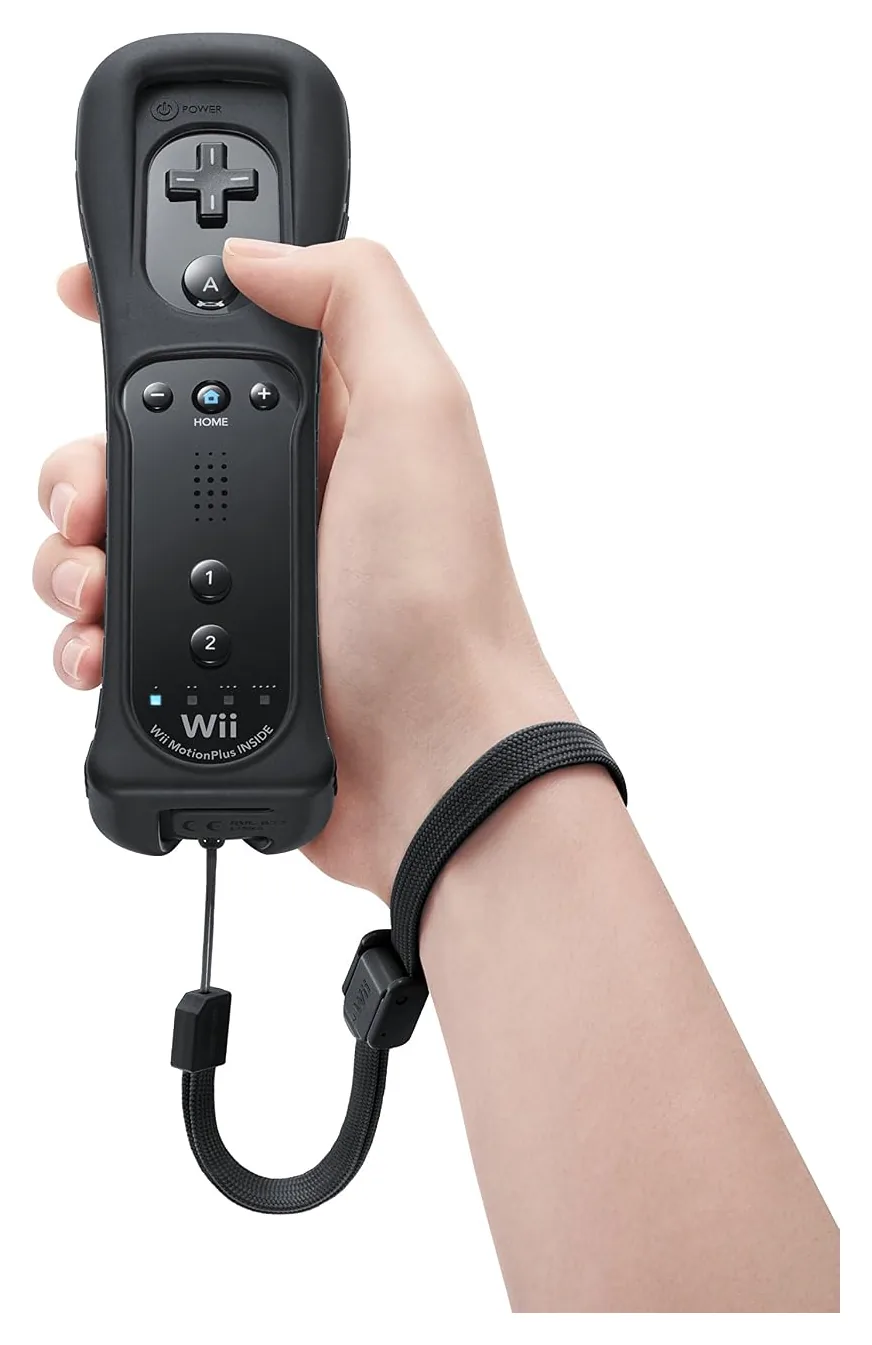 Nintendo Wii Remote Plus
$44
Nintendo Wii Remote Plus
$44
-
2
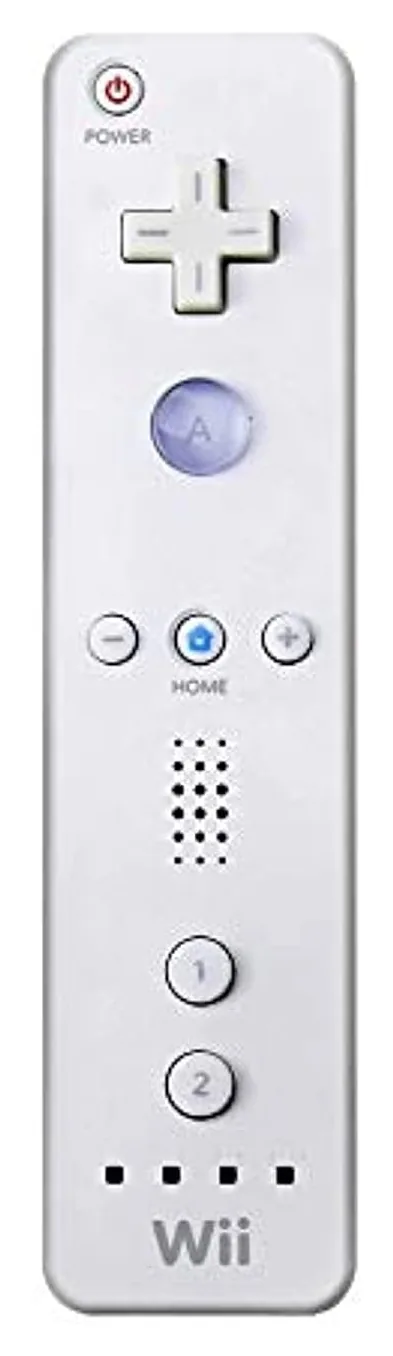 Nintendo Wii Remote (Renewed)
$23
Nintendo Wii Remote (Renewed)
$23
-
3
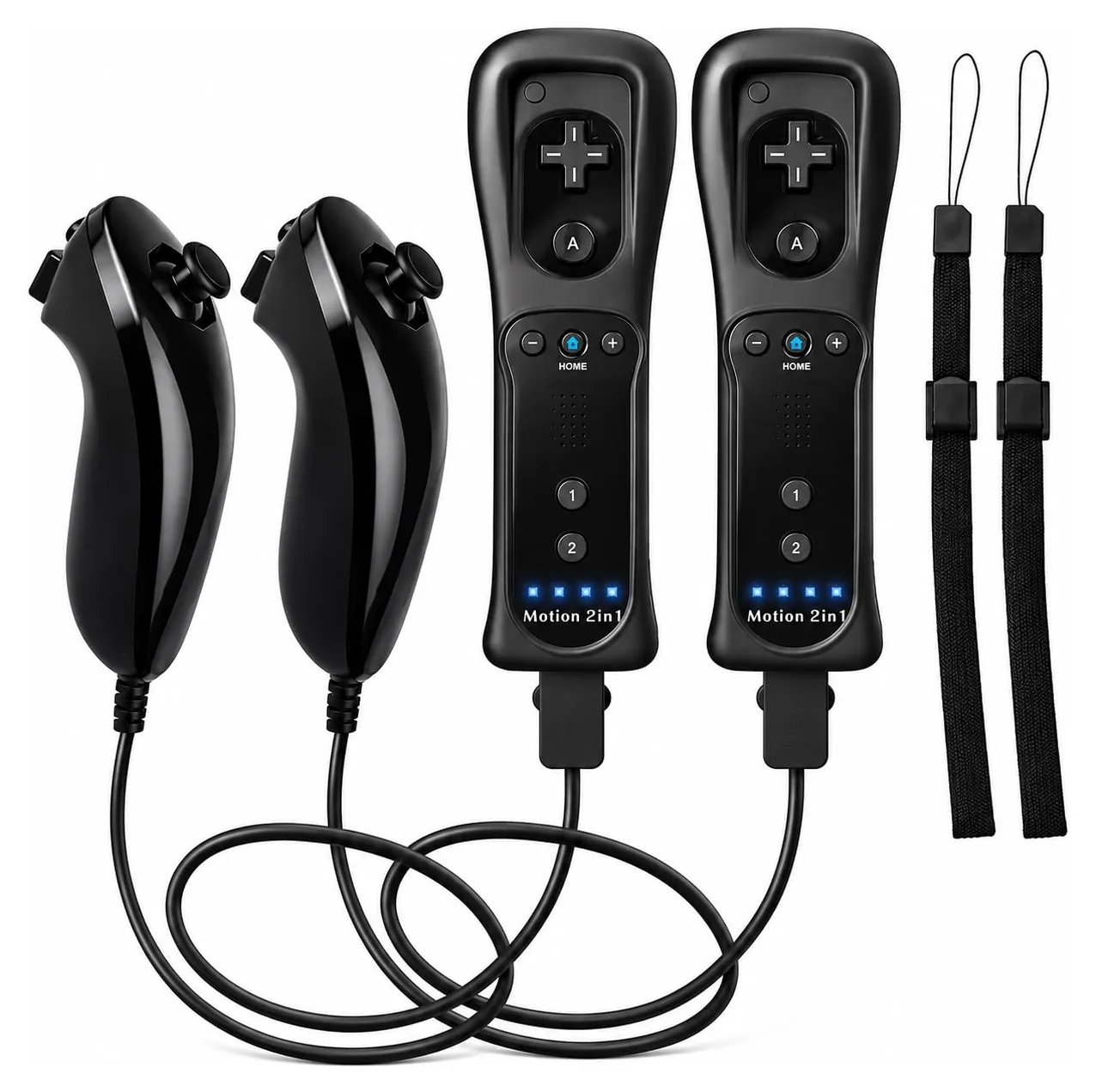 TechKen Motion 2-in-1 Remote and Nunchuk Set
$35
TechKen Motion 2-in-1 Remote and Nunchuk Set
$35
-
4
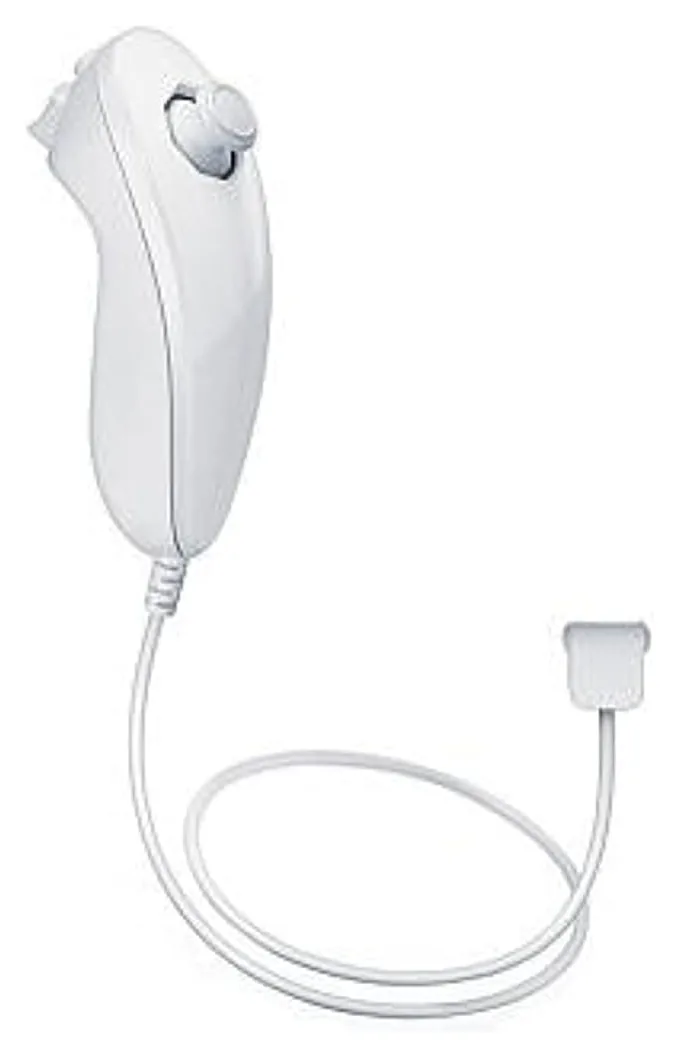 Nintendo Nunchuk
$13
Nintendo Nunchuk
$13
-
5
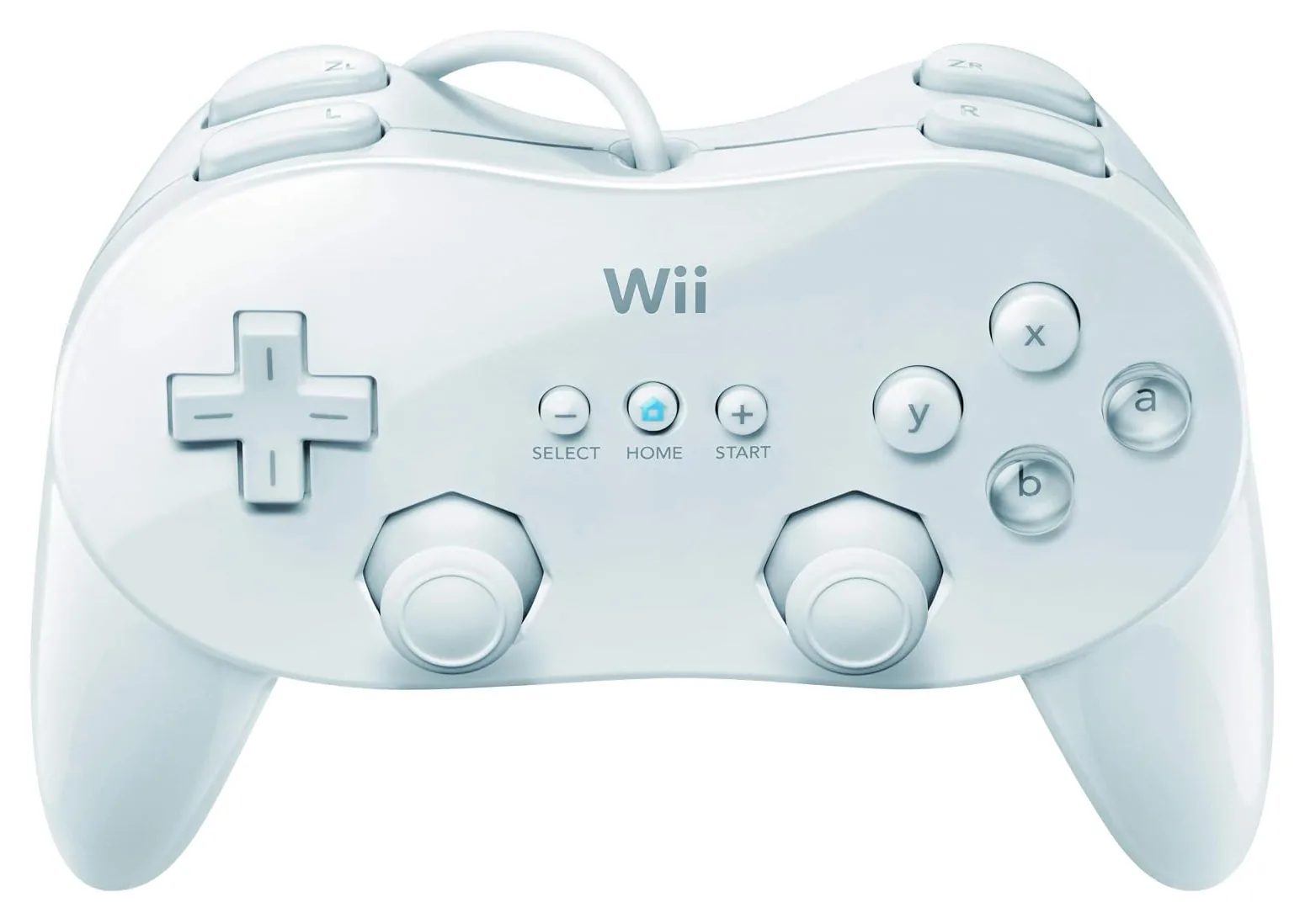 Nintendo Classic Controller Pro (Renewed)
$33
Nintendo Classic Controller Pro (Renewed)
$33
-
6
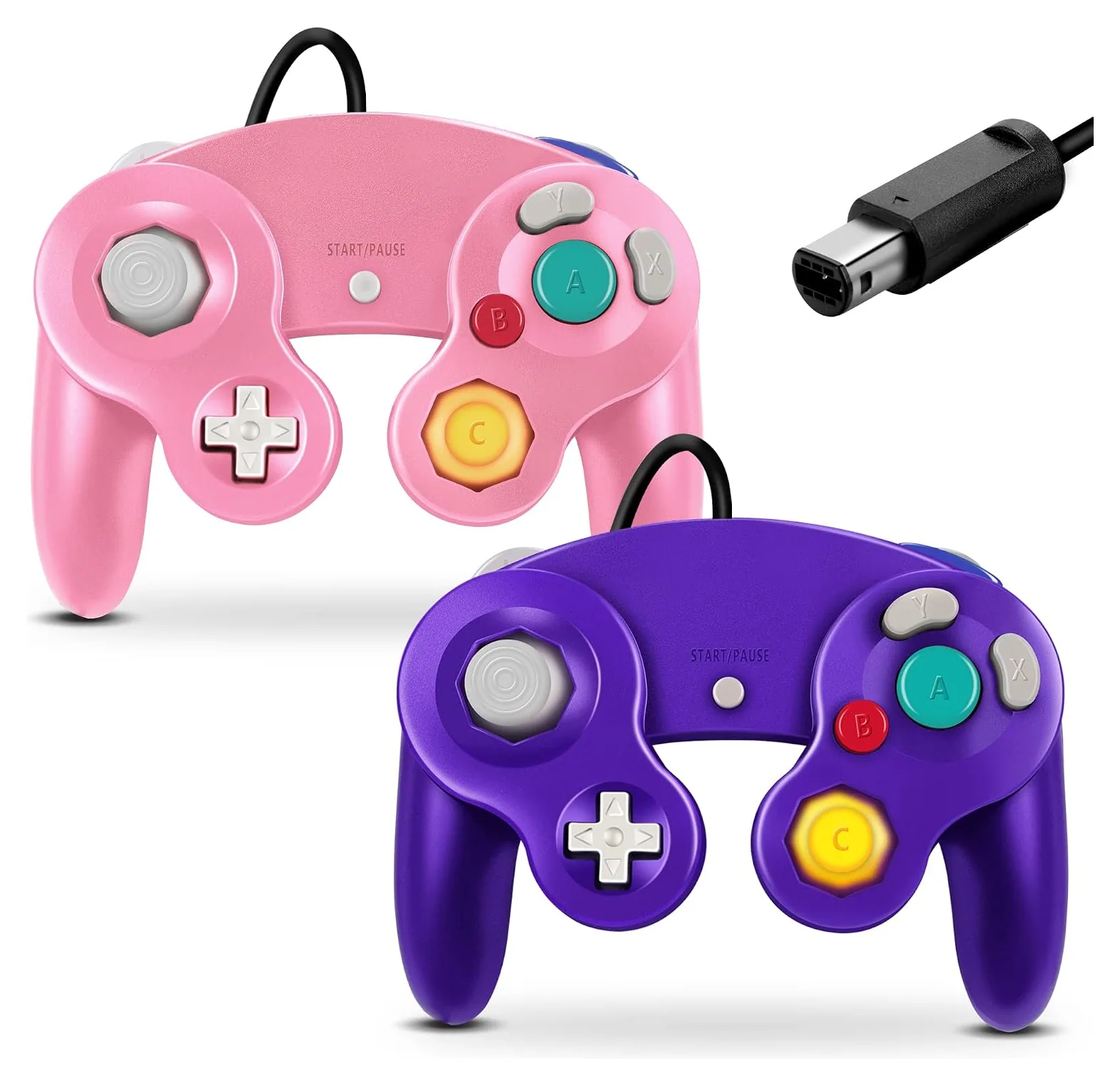 FIOTOK GameCube Controller 2-Pack
$25
FIOTOK GameCube Controller 2-Pack
$25
-
7
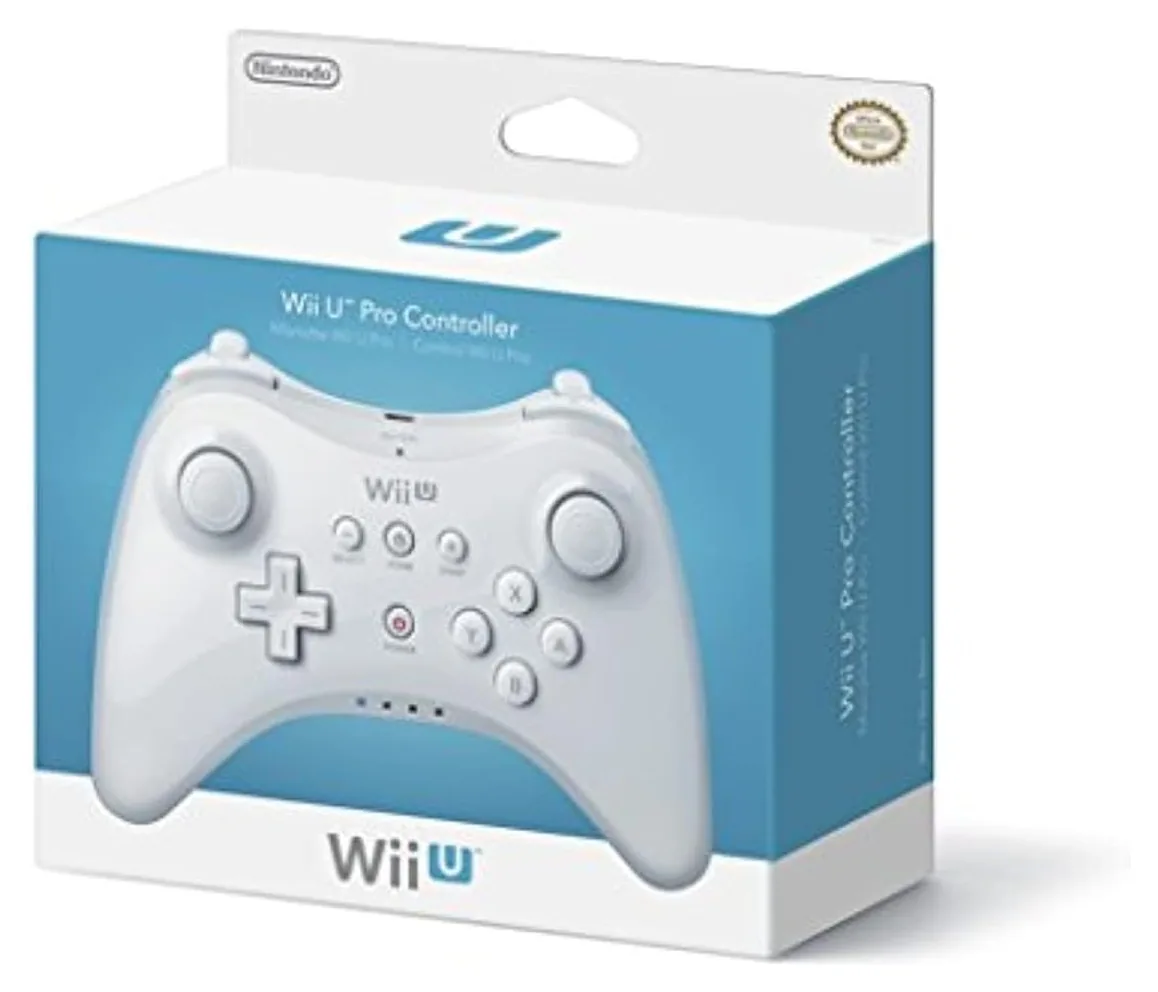 Nintendo Wii U Pro Controller (Renewed)
$55
Nintendo Wii U Pro Controller (Renewed)
$55
-
8
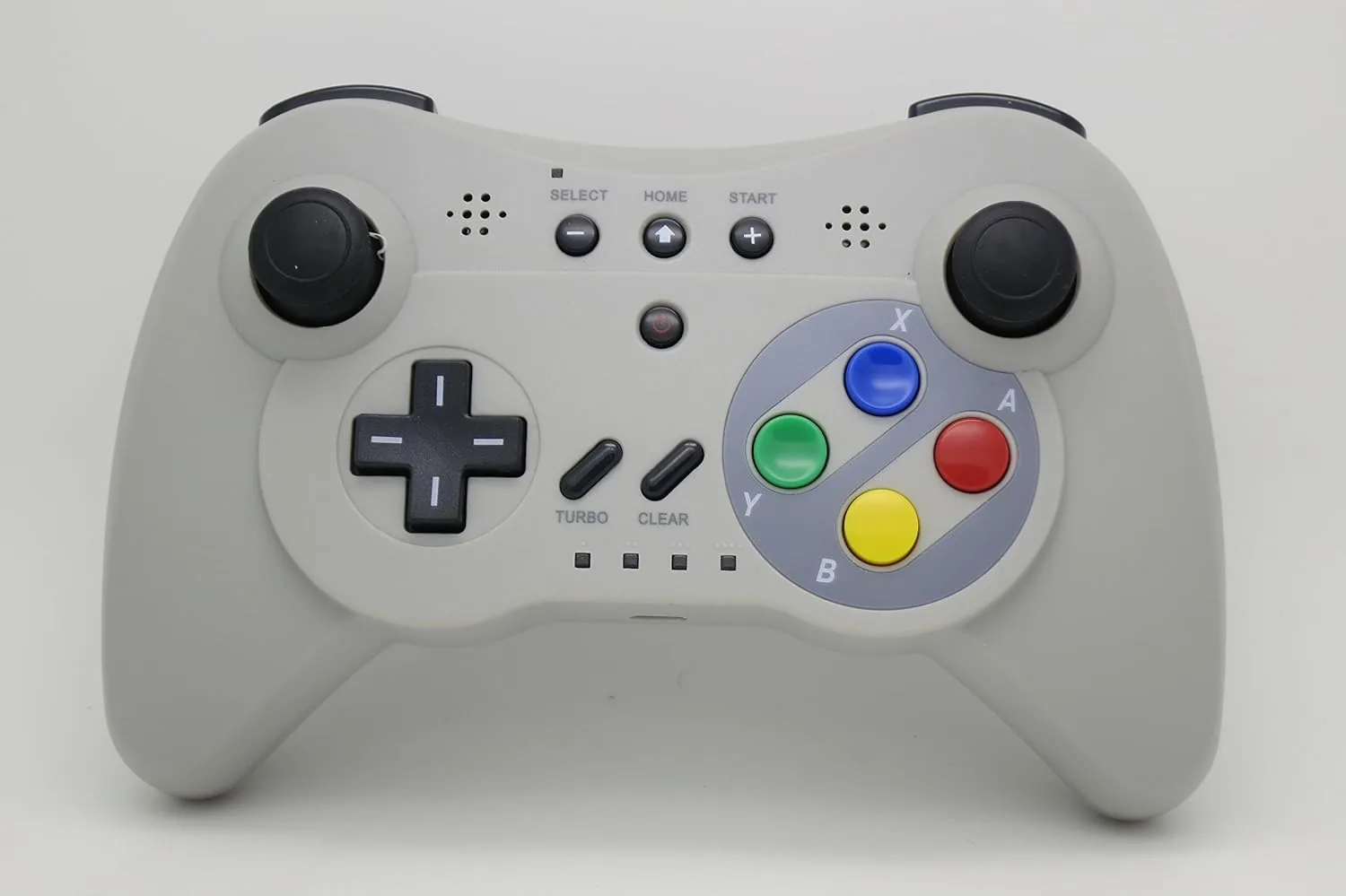 NEXiLUX Wireless Pro Controller
$39
NEXiLUX Wireless Pro Controller
$39
-
9
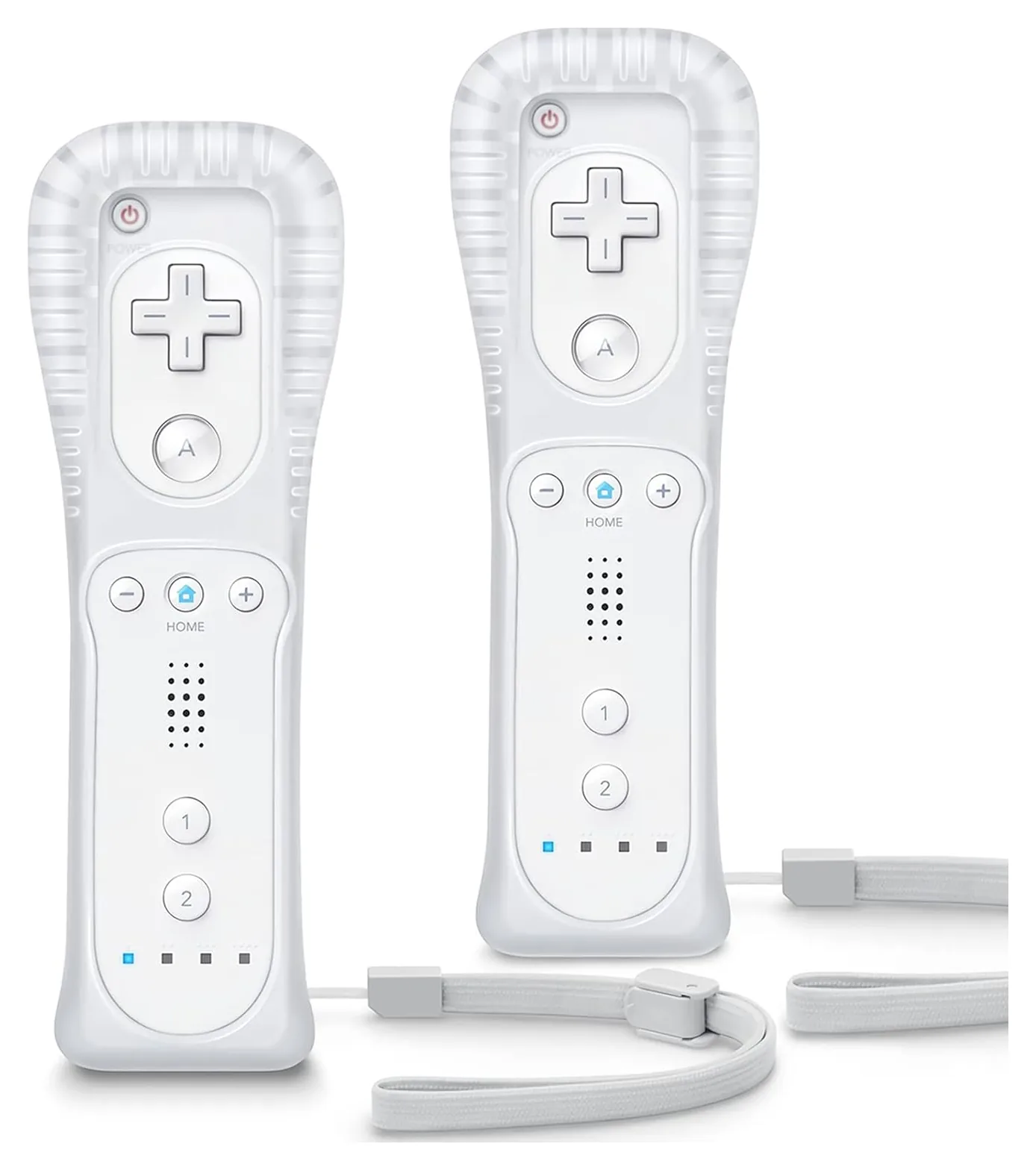 TIANHOO Remote 2-Pack
$26
TIANHOO Remote 2-Pack
$26
1. Nintendo Wii Remote Plus
2. Nintendo Wii Remote (Renewed)
3. TechKen Motion 2-in-1 Remote and Nunchuk Set
4. Nintendo Nunchuk
5. Nintendo Classic Controller Pro (Renewed)
6. FIOTOK GameCube Controller 2-Pack
7. Nintendo Wii U Pro Controller (Renewed)
8. NEXiLUX Wireless Pro Controller
9. TIANHOO Remote 2-Pack
Editor's Notes
October 14, 2026, by Ezvid Wiki Admin:
This list hadn't been updated since 2021, and the market has changed: Nintendo no longer makes any Wii or Wii U controllers, and genuine ones are now mostly sold renewed. We kept the Wii Remote Plus, the Nunchuk, the Wii U Pro Controller and the NEXiLUX pad, switching the Nunchuk and Pro Controller to their current renewed listings, and we added a genuine renewed Wii Remote, the Classic Controller Pro, a GameCube controller pack and two third-party remote sets. We dropped the Wii U GamePad, which isn't sold on its own, the Balance Board, and four products we could no longer find.
No one has tested today's third-party Wii remotes in a lab. The best evidence we found, from Nintendo's support pages and long-running emulator and gaming forums, is that genuine remotes have the most reliable pointer and sync, and that many cheap copies leave out MotionPlus. So we rank genuine controllers first and say plainly what each third-party set lacks.
January 18, 2021:
Since the Wii U was discontinued in 2017, due to the release of the Switch, there aren't many new options available as far as controllers are concerned. The OEM options, such as the Official Gamepad and the Nintendo Pro Controller, are still by far the best choices, with most third-party replacements often being sub-par in terms of accuracy and durability. It should be noted that many of these options are pre-owned, therefore due diligence should be shown before deciding to purchase one.
In this update, we added two aftermarket models to the ranking, as they have garnered good response from the gaming community and have shown themselves to be durable replacements. The Yudeg Remote and Nunchuck have the same design and button layout as the OEM Remote Plus and Nintendo Nunchuk and make a good backup set or a cheaper alternative. The Nexilux Wireless 3 also receives critical praise due to its classic design, layout, and coloring, and features a built-in rechargeable battery and wireless connectivity.
November 21, 2019:
You may notice that we have mostly OEM Nintendo products listed here, and that's for good reason. The Wii and Wii U were pretty closely associated with their various controller types, and as such, Nintendo manufactures far and away the best-quality options. In fact, every Wii U owner should have a Remote Plus and probably a Nintendo Nunchuk, and to enjoy some of the more complex titles you'll need an Official Gamepad. There are also a couple games, such as Zelda: Breath of the Wild, that require a Nintendo Pro Controller. The Pro is especially well made, but it's also absurdly expensive, so if you're not a major stickler for pristine button action you can probably get by with the CooleedTek Classic Pro, which closely mimics the OEM version but just doesn't have quite the same build quality. The PDP Fight Pad will also suffice for those games, though you will need to plug it into a Remote Plus to work properly.
Also worth mentioning are the Hori Battle Pad and Nintendo Balance Board. The Hori is quite affordable, though it isn't compatible with Pro Controller titles, and the Balance Board is absolutely necessary to get the most out of the Wii U's interactive exercise component. Also, take a look at our rundown of some of the best Wii U games overall as well as some of Nintendo's other consoles.
Which Wii Controllers Do You Need?
So buy one remote per player first, then add a Nunchuk or Classic Controller Pro for the games that use them.
On the Wii, almost everything starts with a Wii Remote. Other controllers plug into the port on its bottom: the Nunchuk adds an analog stick for the other hand, and the Classic Controller Pro turns the remote into a regular gamepad (Wikipedia). So buy one remote per player first, then add a Nunchuk or Classic Controller Pro for the games that use them.
The original Wii Remote has no gyroscope. The Wii Remote Plus has Nintendo's MotionPlus built in, which Wii Sports Resort, The Legend of Zelda: Skyward Sword, Red Steel 2 and Wii Play: Motion require; with an original remote you'd need the clip-on MotionPlus adapter (Nintendo Support).
The Wii U adds two more: the GamePad that comes with the console, and the Wii U Pro Controller, which only works with Wii U games, not in Wii mode. GameCube controllers plug into the ports on the original Wii only; the Wii mini, the Wii Family Edition and the Wii U don't have them (SmashWiki).
Genuine, Renewed Or Third-Party?
Genuine Nintendo controllers are the safest choice. Emulator and gaming forums report that third-party remotes vary: some work like the originals, while others have shaky pointers, won't stay synced, or have speakers that ignore the volume setting (Dolphin forums). Nintendo's own support pages warn that unlicensed accessories may not work properly with Skyward Sword.
Renewed means a used controller that the seller has tested and cleaned. On Amazon, renewed items carry a 90-day guarantee. Most buyers get one that works like new, but test it right away, including the pointer, rumble and every button, while you can still return it. Genuine parts have model numbers printed on them: RVL-003 for the Wii Remote, RVL-036 for the Remote Plus and RVL-004 for the Nunchuk.
If you buy third-party remotes, check whether the listing includes MotionPlus. Many cheap ones say "no motion plus" in the fine print.
Setup, Batteries And Safety
To pair a remote, open its battery cover, press the small red SYNC button, then press the SYNC button on the console (under the SD card door on a Wii). The pointer needs the Sensor Bar centered above or below the TV, and bright sunlight, candles or nearby light bulbs can confuse it (Nintendo Support).
A Wii Remote runs about 25 hours on two AA batteries when you use the pointer. Nintendo recommends fresh alkaline batteries; many players use low-self-discharge rechargeables instead. Be careful with cheap charging docks: two Wii Remote charging stations were recalled for fire hazards in 2009 and 2010.
Always wear the wrist strap. In 2006 Nintendo replaced about 2 million original straps after reports that the thin cord could break when a player let go of the remote mid-swing (CPSC). Silicone jackets also protect your TV and the remote. We found no current recalls for any controller on this list.